February 3, 2026
MarketingOccasion Reminders: Make Automated Marketing Personal
Your customer data contains a goldmine of repeat business. Here is how to use occasion reminders without becoming spam.
Buried in your customer records is a goldmine you're probably not using. Birthdays. Anniversaries. The date John sent flowers to his mother last March. The corporate client who reorders reception arrangements every quarter like clockwork.
Every single one of those is repeat business waiting to happen. You can't remember them all — nobody can — and flicking through records manually doesn't scale. But automation can turn that data into marketing that actually feels personal.
The Goldmine in Your Customer Data
Think about what you already know about your customers:
- When they last ordered (and the occasion was almost certainly the same date the year before)
- Who they sent flowers to (probably the same person again this year)
- What they chose (style, budget, favourite flowers)
- Any dates they mentioned in passing — birthdays, anniversaries, that kind of thing
A well-timed reminder before an important date tells the customer you're paying attention. It makes reordering effortless. And the best part? It doesn't feel like marketing. It feels like good service.
Occasions Florists Should Track
Birthdays
The obvious one. Someone ordered birthday flowers for their partner last year — they'll need them again. Capture the recipient's birthday when you're taking the order and let an automatic reminder do the rest.
Anniversaries
Wedding anniversaries, relationship milestones, business anniversaries. They come round every year and flowers are almost always part of the picture. People appreciate reminders for these, too — forgetting an anniversary is the kind of mistake that has consequences.
Mother's Day and Valentine's Day
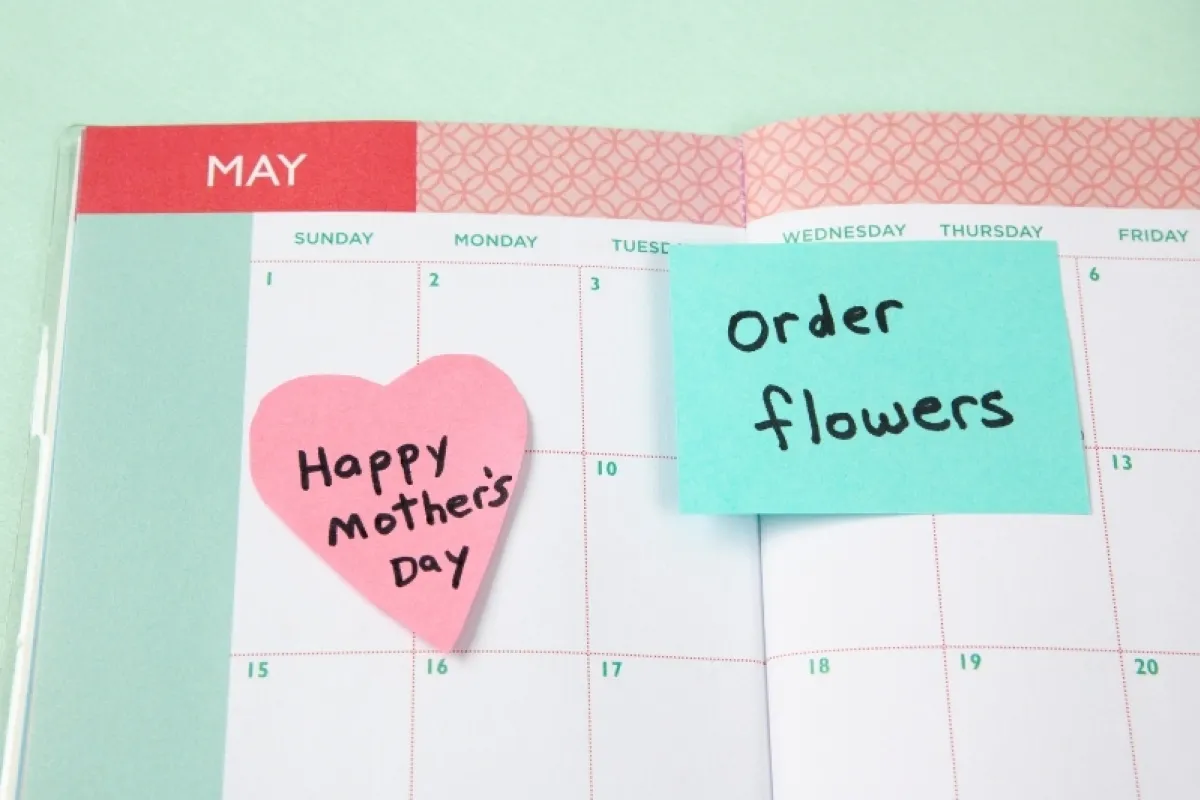
Not personal dates, but you can still track who ordered last year. A message along the lines of "You sent flowers to Mum last Mother's Day — want to do the same this year?" converts well. The customer already trusts you for that occasion.
Sympathy Follow-Ups
This one needs care. But anniversary flowers for someone who's passed are deeply meaningful. A year after a funeral, a gentle note saying you can help with memorial flowers is often genuinely appreciated. Tread lightly, but don't be afraid of it.
Corporate Account Dates
Corporate orders tend to follow patterns — quarterly lobby arrangements, monthly reception flowers, annual staff appreciation gifts. Track those rhythms and reach out to the account manager before the usual order date.
Event Anniversaries
If you did someone's wedding flowers, their anniversary is a natural touchpoint. Offer to recreate their bridal bouquet or put together something inspired by the big day. Couples love that kind of callback.
How Reminder Systems Work
Modern florist software handles most of this with very little setup on your end.
Data Capture
It all starts with recording the right information at the point of sale:
- Recipient's name and who they are to the customer
- What the occasion is
- The specific date, if you can get it
- Any preferences worth noting
This builds up over time. Every order teaches you something new.
Automatic Reminders
The software works out when to send reminders — usually one to two weeks before the occasion — and fires them off automatically. Email, SMS, or both.
Personalisation
A good system weaves in the details that make a message feel personal:
- The customer's name
- The recipient's name
- The occasion itself
- What they ordered last time
- A link to reorder or browse new options
More specific detail means better response rates. People can tell the difference between "buy flowers" and "Emma's birthday is coming up."
Writing Reminders That Convert (Not Spam)
There's a fine line between a helpful nudge and an annoying sales email. Staying on the right side isn't hard, but it does require some thought.
Be Useful, Not Salesy
The message should feel like you're doing the customer a favour, not pushing product.
Good: "Hi Sarah, just a heads-up that Emma's birthday is on 15 March. Want us to put together something similar to last year's arrangement?"
Bad: "BIG SALE! 20% off all birthday flowers! Order now for best selection!"
Include Specific Details
Mention the recipient by name. Reference the occasion. Note what they ordered before. That's the difference between a generic marketing blast and a message someone actually reads.
Make Ordering Easy
Drop in a direct link to reorder, or keep it really simple: "Reply YES and we'll prepare the same arrangement." The less friction, the more conversions.
Respect Boundaries
One reminder is helpful. Two is pushy. Three is harassment. Send one message at the right time, and if they don't respond, try again next year. That's it.
Offer an Out
Always include a clear way to stop reminders for a particular date. "Don't need this reminder anymore? Click here." Respecting that choice builds more trust than any discount code ever will.
Timing: When to Send
Get the timing wrong and even a well-written reminder falls flat.
Standard Occasions
Birthdays and anniversaries: 7-10 days beforehand. That gives people enough time to order without it slipping their mind. Send it too early and they forget. Too late and they've already sorted it elsewhere.
Major Holidays
Valentine's Day and Mother's Day need more runway — 2-3 weeks. People know these are coming and many will order early to guarantee delivery.
Corporate Orders
Give business accounts 2-4 weeks' notice. Procurement takes longer. There are budgets to check and approvals to get.
Time of Day
Early evening, around 6-8pm, tends to perform best for consumer emails. People are home, settled, and thinking about personal things rather than work. Avoid Monday mornings when inboxes are already overflowing.
Email vs. SMS
Both work. They're just good at different things.
Pros: Room for detail, you can include photos, feels less intrusive, easy to add links
Cons: Lower open rates, risks landing in spam, simple to ignore
Best for: Detailed reminders with images of past arrangements, corporate accounts, anyone who prefers email
SMS
Pros: Open rates above 95%, grabs attention immediately, feels personal
Cons: Very limited space, can feel intrusive if overused, costs per message add up
Best for: Quick time-sensitive nudges, younger customers, anyone who never opens emails
Recommendation
Email for most reminders. SMS when it's time-sensitive or you know the customer doesn't engage with email. If you can, let people choose which they'd prefer.
Measuring Reminder Programme Success
Open Rate
Personalised reminders should see 30-50% open rates. If you're getting the 15-25% range, your messages probably aren't personal enough.
Conversion Rate
What percentage of reminders actually turn into orders? A well-run programme should convert somewhere between 10-20% of recipients.
Revenue Attribution
Track the revenue that comes directly from reminders. Simple rule: if a customer orders within 48 hours of receiving one, credit the programme.
Unsubscribe Rate
If lots of people are opting out, something's off — probably too many messages or too much sales pressure. Keep unsubscribes under 1% per campaign.
Privacy and Consent (UK GDPR)
GDPR applies here, and it's worth getting right.
Legitimate Interest
Reminding an existing customer about an occasion they've previously bought flowers for can often be justified under "legitimate interest." You're offering a service they'd reasonably expect from you.
Consent
That said, getting explicit consent is the safest path. A simple checkbox at checkout — "Would you like us to remind you about important dates?" — covers you legally and ensures people actually want to hear from you.
Easy Opt-Out
Every message needs a clear, working unsubscribe link. And when someone uses it, process it straight away. This isn't just about compliance — it's about being the kind of business people trust.
Data Security
Dates, names, and preferences are personal data. Make sure your software provider takes security seriously, and that customer information is properly protected.
The Bottom Line
Occasion reminders are one of those rare marketing tactics that people genuinely appreciate when you get them right. They feel like thoughtful service, not a sales push.
The difference between spam and helpful comes down to personalisation. "Buy flowers!" is junk mail. "Emma's birthday is on the 15th — want the same roses as last year?" is a service. Use your data well and customers will thank you for it.
Start capturing occasion data with every order. Each one is a seed for future business. And if your customer records need organising first, our guide on CRM for florists is a good place to start.
Ready to set this up? Book a demo and see how Digital Florists helps you stay connected with customers at the moments that matter most.
Written by
Digital Florists Team
Ready to Try Digital Florists?
See how our platform can transform your flower shop operations.