March 15, 2025
Software TipsDo You Need a CRM? Customer Relationship Management for Florists
A CRM helps florists remember customers, track special dates, and build relationships that drive repeat business. Here is how to know if you need one.
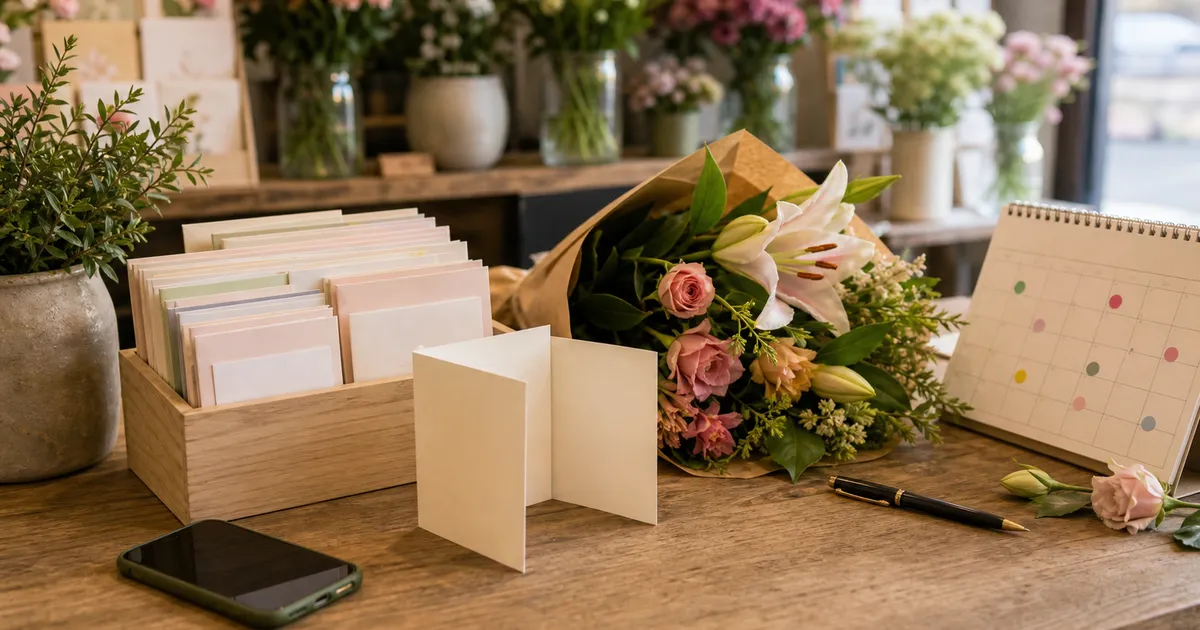
Every florist knows the moment: a regular customer walks in, and you cannot remember their name. Or worse, you forget that Mrs Thompson always wants lilies for her anniversary, and you sold the last bunch to someone else.
These small failures add up. They cost you repeat business, referrals, and the personal touch that sets independent florists apart from supermarkets and online-only competitors.
A Customer Relationship Management system (CRM) solves this. But do you need one? Let us find out.
What Is a CRM (And What It Is Not)
A CRM is software that stores and organises information about your customers. For florists, this typically includes:
- Contact details (name, phone, email, address)
- Order history (what they bought, when, how much they spent)
- Special dates (birthdays, anniversaries, memorials)
- Preferences and notes (favourite flowers, allergies, delivery instructions)
- Communication history (emails, calls, complaints)
A CRM is not a magic wand. It will not automatically make customers loyal or send flowers on your behalf. What it does is give you the information you need to provide exceptional service, the kind that keeps customers coming back.
Signs You Need a CRM
Not every florist needs dedicated CRM software. If you are a small studio florist with 20 regular customers, a notebook might work fine. But most growing shops hit a point where manual systems break down.
You Cannot Remember Repeat Customers
When a customer calls and you have to ask, "Have you ordered with us before?", that is a problem. Repeat customers expect to be remembered. They chose your shop over competitors, and asking them to repeat their details signals that you do not value the relationship.
A CRM lets you quickly search by name or phone number. Within seconds, you see their full history and can greet them properly.
You Are Missing Anniversary and Birthday Reminders
Florists sit on a goldmine of repeat business: the same occasions happen every year. Birthdays. Anniversaries. Mother's Day for the same mum. Valentine's Day for the same partner.
If you are not proactively reminding customers about these dates, you are leaving money on the table. A CRM tracks these dates and can automatically send reminders, to you or directly to the customer.
You Have No Idea Who Your Best Customers Are
Quick: who are your top 10 customers by lifetime spend? If you cannot answer that question, you cannot prioritise properly.
Your best customers deserve your best service. They should get first access to limited flowers, priority delivery slots, and perhaps a thank-you gift at Christmas. But you cannot treat them specially if you do not know who they are.
You Are Losing Corporate Accounts to Competitors
Corporate accounts are the holy grail for florists: regular orders, reliable payment, and often larger values. But corporate buyers expect professionalism. They expect you to remember their standing orders, their preferred arrangements, and their multiple delivery addresses.
Showing up to a corporate pitch without detailed records of your previous work together signals amateur hour. A CRM keeps everything organised and accessible.
Staff Turnover Means Lost Customer Knowledge
When a long-term employee leaves, they take customer relationships with them. All those mental notes about Mrs Chen's preference for pink roses or Mr O'Brien's complicated delivery instructions. Gone.
A CRM captures this institutional knowledge. New staff can provide the same personalised service from day one because the information is in the system, not in someone's head.
What a Florist CRM Should Track
Generic CRMs built for salespeople or estate agents will not work for florists. You need specific fields and features.
Order History
Every order, forever. What they bought, when, how much they paid, and any notes about the transaction. This is the foundation of everything else.
Sender vs Recipient
This is where generic CRMs fail. Florists need to track both the person who pays (the sender) and the person who receives the flowers (the recipient). Often these are different people with different addresses.
Good florist CRM software links senders to their regular recipients, so when John calls to order for his mum's birthday, you already have her address and preferences on file.
Special Dates
Birthdays, anniversaries, death anniversaries (for sympathy flowers), and any other recurring occasion. The CRM should allow you to record the date, the recipient, and what was ordered previously.
Preferences and Allergies
Some customers hate carnations. Some are allergic to lilies. Some only want British-grown flowers. These preferences should be visible every time you create an order for that customer.
Multiple Delivery Addresses
Regular customers often send flowers to multiple people: mum, partner, office, second home. A good CRM stores all these addresses and lets you select quickly during order entry.
Notes and Tags
Free-form notes capture everything else: "Always calls last minute," "Prefers to pay by bank transfer," "Mentioned daughter's wedding in June - follow up." Tags let you segment customers: VIP, corporate, wedding enquiry, etc.
Communication History
If you emailed a customer about a complaint, that should be recorded. If they called to change a delivery, that should be logged. When the customer calls back, anyone on your team should be able to see the full history.
CRM vs Spreadsheets: Why Spreadsheets Fail
Many florists start with spreadsheets. Excel or Google Sheets seems free and flexible. But spreadsheets fail for customer management in several critical ways.
No Integration
A spreadsheet does not connect to your order system. Every time you take an order, you need to manually update the spreadsheet, which means it quickly becomes outdated or abandoned.
No Automation
Spreadsheets cannot send reminders, flag important dates, or alert you when a VIP customer calls. You have to manually check everything.
Single User
When two people try to edit a spreadsheet simultaneously, chaos ensues. Version conflicts, lost data, confusion about what is current.
No Security
Customer data is sensitive. Spreadsheets offer minimal security and no audit trail. If someone deletes a row, it is gone. If someone copies the file and leaves, they take your customer list.
Does Not Scale
A spreadsheet with 50 customers is manageable. A spreadsheet with 5,000 customers is a nightmare. Searching, filtering, and reporting become impossibly slow.
The ROI of a Florist CRM
CRM software costs money. Typically £50-150 per month for florist-specific solutions, or included in all-in-one florist software platforms. Is it worth it?
Let us do the maths.
Recovered Lost Customers
How many customers ordered last year but not this year? Without a CRM, you do not know. With a CRM, you can identify and re-engage them.
If you recover 5 lapsed customers per month, each spending an average of £60, that is £3,600 per year in recovered revenue.
Occasion Reminder Revenue
If your CRM sends birthday reminders and 10% of recipients place an order, the maths is compelling. 100 birthdays tracked × 10% conversion × £50 average order = £500 per year from birthdays alone. Add anniversaries and other occasions, and the number grows.
Time Savings
How long do you spend searching for customer information? Looking up old orders? Checking who ordered last Mother's Day?
If a CRM saves 30 minutes per day, that is 2.5 hours per week, over 100 hours per year. At £15 per hour, that is £1,500 in labour savings.
Reduced Errors
Wrong addresses, forgotten preferences, and missing card messages all cost money, either in remakes, refunds, or lost customers. A CRM that captures information correctly the first time prevents these costly mistakes.
Getting Started with CRM
If you have decided you need a CRM, here is how to implement it successfully.
Start with Your Best Customers
You do not need to import every customer on day one. Start with your top 50-100 regulars. Get their details right, add their preferences and special dates, and build from there.
Capture Data at Every Interaction
Every phone call is an opportunity to enrich customer data. "Is that still the best number to reach you?" "Same delivery address as last time?" "Any special dates coming up?" Train your team to ask and record.
Use It Every Day
A CRM only works if you use it. Make it part of your workflow: look up customers before taking orders, add notes after calls, review special dates weekly.
Clean Data Regularly
Addresses change. Phone numbers change. People move or pass away. Schedule quarterly data cleaning to remove duplicates, update outdated information, and mark inactive customers.
The Bottom Line
A CRM will not make you a better florist. But it will help you be a better businessperson - one who remembers customers, anticipates their needs, and provides the personalised service that builds loyalty. Once you have customer data organised, you can use it for automated occasion reminders that drive repeat business.
If you are still using notebooks and spreadsheets, you are working harder than you need to. Modern florist software includes CRM functionality as standard, integrating customer management with order entry so you capture data naturally as you work.
Your customers are your most valuable asset. Treat them that way.
Ready to see how CRM works for florists? Book a demo and we will show you how Digital Florists keeps all your customer information in one place.
Written by
Digital Florists Team


See it in your shop
Book a demo and we'll walk through Digital Florists with your shop in mind.
After the demo, choose whether and when we set up your 30-day no-card trial.