June 12, 2026
Software TipsWhat Software Do Florists Use?
Florists run on five kinds of software: orders, a till, deliveries, proposals and relay. Here is what each one does, in plain English, from people who stand behind a counter.
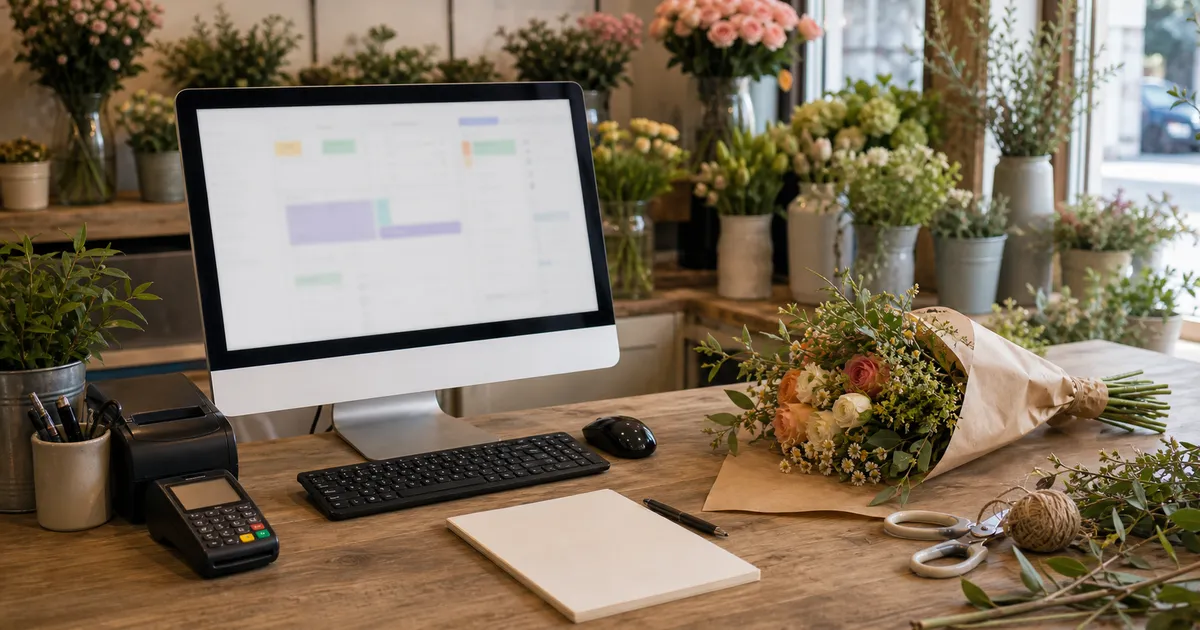
Ask this question in a florist Facebook group or on Reddit and you'll get forty answers naming a dozen products. Underneath the brand names, though, almost every flower shop runs on the same five kinds of software. Once you know the categories, the recommendations make a lot more sense.
We build one of these systems, so we have a view. We've tried to keep this an honest map of the landscape first and a pitch second; our bit is one section near the end, clearly labelled.
The Five Kinds of Software a Flower Shop Runs On
1. Order management
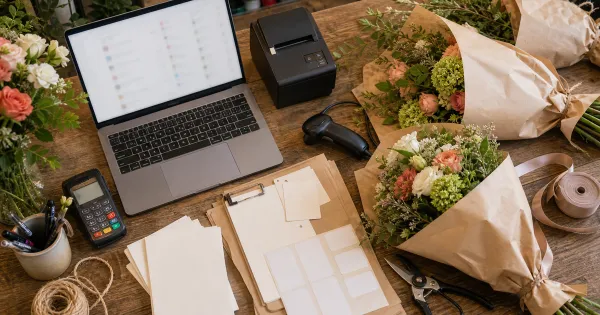
The core of the day: every order from every channel (phone, walk-in, website, relay) in one list, with the delivery date, the recipient, the card message and what's been paid. This is the screen the workroom checks each morning to see what needs making up, and the difference between a calm day and order bingo: printed worksheets, ticked lines and a missing order discovered at 4pm.
Some florists run this from a paper diary for years. It works until it doesn't, usually the first peak after the business grows, when one lost page costs more than a year of software.
2. The till (POS)
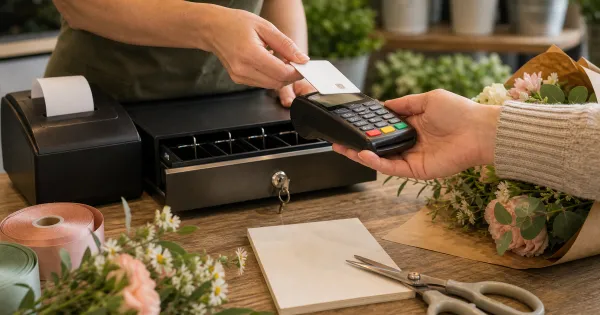
Point of sale software takes the counter payment, prints the receipt and counts the drawer at close. Generic tills (the free apps that come with some card readers, or systems built for cafés) handle a walk-in bunch fine. Where they fall short is the rest of a florist's counter trade: the delivery order for Friday taken at the till, the bride paying a deposit against a wedding quoted last month, the relay order that needs prepping next to the walk-in sale. Florist-specific POS treats those as normal, not exceptions.
3. Deliveries and routing
Software that turns the day's orders into a route: which van, what order of stops, what time window. Some shops use a standalone route planner alongside their order system; the catch is retyping addresses between the two. Gary at Memento Floral Designs in Belfast spent 2-3 hours each evening on peak days organising routes by hand. With routing built into the same system that holds the orders, it takes 10 minutes.
4. Proposals and events
Wedding and event work needs different tooling: branded proposals, e-signatures, per-arrangement recipes, costing and buy lists. Proposal-first products like Curate and Details Flowers are well known in this category, particularly with wedding-only studios. Shops that take weddings alongside retail work tend to look for event tooling inside their main system instead, so the wedding's orders and the Tuesday orders live on one dashboard.
5. Relay and wire services
Interflora, Direct2Florist and the other relay networks each come with their own portal. The software question here isn't which network to join (that's a margin question) but whether relay orders land in your main order list for fulfilment or have to be re-keyed by hand from one screen to another. With the Direct2Florist integration, the accept, reject and quote actions happen inside Digital Florists. Interflora acceptance and status updates still happen in Interflora Connect as normal. Re-keying for the workroom is where peak-week mistakes creep in.
How Florists Combine Them
Three patterns come up again and again:
The patchwork. A paper diary or spreadsheet for orders, a generic card-reader till, a maps app for routes, Word or Canva for wedding quotes, and each relay portal checked separately. Cheap per piece, expensive in hours, because every order gets written down more than once.
The partial stack. One or two florist-specific products (say, a florist website plus a generic till), with gaps bridged by habit. Better, but the seams still cost time at peak.
The platform. One system carrying orders, till, deliveries and events together, so nothing is entered twice. This is the direction most of the recommendations in those Reddit threads point, whichever brand is being named.
Where Digital Florists Fits
This is the pitch section, kept short. Digital Florists is a platform in that third pattern: Orders at the core, with POS, deliveries and routing, and Events for proposal-and-recipe wedding work, all on one dashboard. It was co-founded by Gemma Wakerley, who owns and runs Booker Flowers in Liverpool, alongside Lewis, an engineer. The software gets built and tested against a real shop's week, including the weeks where everything happens at once.
Pricing is published rather than demo-gated: plans start at £75/mo, listed on the pricing page, and you can start a 30-day trial with no card before you talk to anyone. If weddings and events are a big part of your work, the wedding and event florists guide shows how that side runs end to end.
How to Choose, Whatever You Pick
A short checklist that holds for any product on the market:
Count your double entry. Tally how many times one order gets written or typed in a normal week. Every repeat is a place software should be doing the carrying.
Test it against your worst week, not your average one. A system that's pleasant in November and collapses in Valentine's week is the wrong system. Ask any vendor how their product behaves at peak, and ask their customers too.
Check who answers the phone. When the till wobbles mid-Saturday, a reply-within-48-hours helpdesk is no use. Find out who responds and how fast.
Make sure your data stays yours. You should be able to export your customers and orders whenever you want. If leaving is hard, that's a warning about the relationship, not a feature.
If you are replacing a system rather than choosing your first one, our florist software migration checklist covers exports, test records, staff training and timing the move around peak.
Floristry isn't short of opinions about software, but the shops that get this right all end up in the same place: fewer screens, nothing typed twice, and the day visible at a glance before the first coffee.
Written by
Digital Florists Team
See It in Your Shop
Book a demo and we'll walk through Digital Florists with your shop in mind.
After the demo, choose whether and when we set up your 30-day no-card trial.