March 25, 2024
Business GrowthSurviving Peak Season: Technology Tips for Valentine's Day and Mother's Day
Valentine's Day and Mother's Day can make or break your year. Learn how the right technology helps florists survive and thrive during peak seasons.
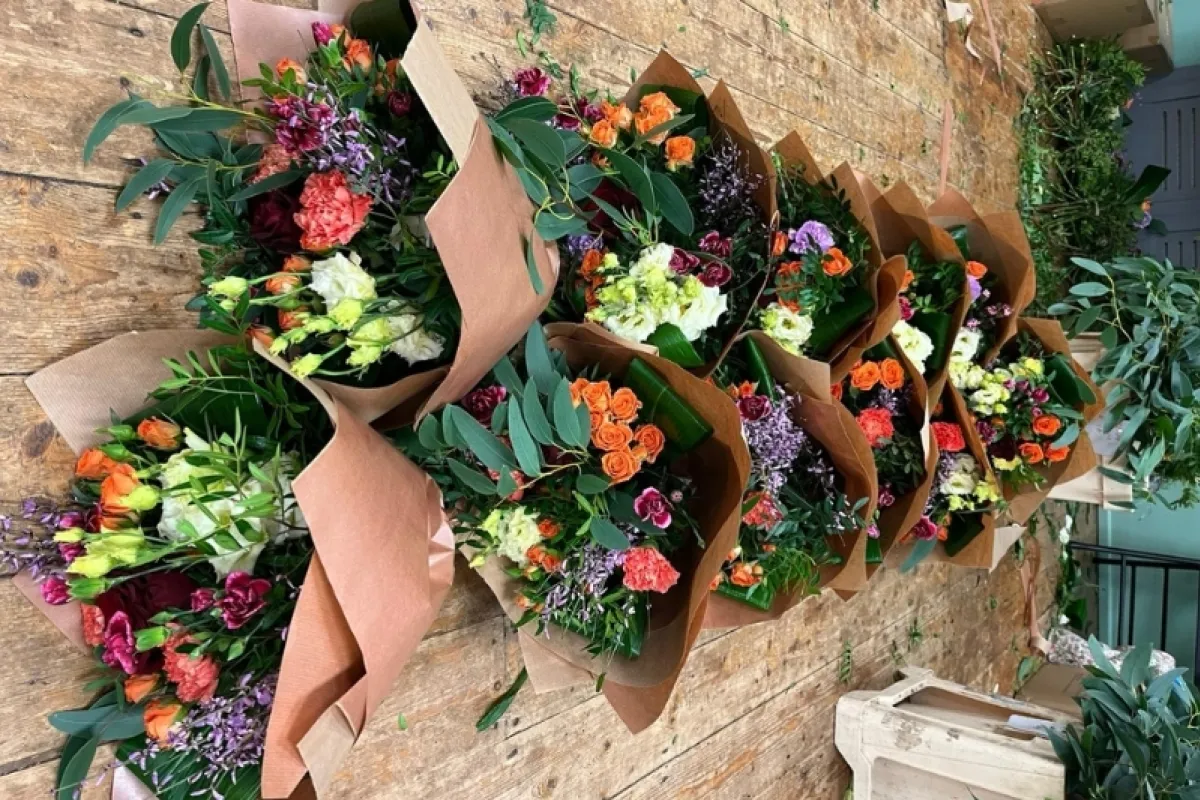
Two weeks. That's roughly how long Valentine's Day and Mother's Day last. They account for somewhere around 30-40% of most florists' annual revenue. Those fortnight-long windows can feel electric when things go right. They can also break you.
So what makes the difference between the shops that come out buzzing and the ones that limp into March or June looking shell-shocked? Nine times out of ten, it comes down to systems. Here's the technology side of getting peak season sorted.
Why Peak Season Is a Completely Different Beast
A typical week might mean 50-100 orders. Valentine Week? Mother's Day? You could be staring down 500 to over 1000.
That's not "a bit busier." A 10x surge will rip apart processes that work perfectly well the rest of the year:
- Paper order tickets. Fine in January, total chaos by February 13th
- Manual delivery routing goes from a half-hour job to eating three hours of your morning
- The phone rings non-stop with "where's my order?" and you can't get to half the calls
- Trying to track stock in your head leads to either running out of red roses at 11am or binning a mountain of carnations on the 15th
- Designers lose the plot on which orders are done and which aren't
- Driver routes turn into a mess, zigzagging across town
- Customer service? Forget it. Everyone's fire-fighting
These are the days that pay your rent for the year. One disastrous Valentine Week and you're dealing with Google reviews that haunt you until summer.
The Tech Foundations You Need
1. A Proper Order Management System
Look, paper works for some shops at low volume. But past a certain point, and definitely during peak, you need a real order management system. It's not optional.
What matters most:
- Speed. You should be able to punch an order in under 60 seconds
- Everything landing in one place. Phone, online, walk-ins, the lot
- No keying the same order in twice
- Being able to see at a glance where each order's at
- A clear queue for designers in the workroom showing priorities and what needs doing next
- Delivery queue so drivers know exactly what's going out
Here's a quick test: Could you realistically enter 50 orders in an hour without making mistakes? If the answer's no, your system isn't peak-ready.
2. Automated Delivery Routing
When you've got 100+ deliveries going out across multiple drivers, sitting down with a map (or even Google Maps) and manually plotting routes doesn't cut it anymore.
Decent routing software will:
- Optimise a full day's routes in seconds, not hours
- Handle a last-minute addition without you having to redo everything
- Spread the load across drivers so nobody's drowning while someone else finishes early
- Respect time windows customers have chosen
- Give customers a realistic ETA rather than "sometime today"
Shops we've talked to see 20-30% less time on the road during peak once they switch to automated routing. That's your drivers done by 4pm instead of still grinding at 6. Massive difference for morale, too.
3. Real-Time Inventory Tracking
Stock turns over multiple times a day during peak. Without live tracking, you're gambling. Over-order and you're binning flowers. Under-order and you're letting customers down. Neither's great.
What a solid inventory system gives you:
- Stock levels that update as orders come in, not once a day
- Committed stock visibility, so you know what's sold but not yet made
- Projected needs based on what's already been confirmed
- Alerts when something's running low before it's too late
- Historical data so next year's forecasting is based on actual numbers, not guesswork
4. Automated Customer Comms
Honestly, half the phone calls you get during peak are people wanting to know where their order is. Automated notifications slash that volume dramatically:
- Order confirmation by email or text
- "Your flowers are on their way" notifications
- Delivery confirmation, ideally with a photo
- Proactive heads-up if there's going to be a delay
When people already know what's happening, they don't ring. Simple.
5. Tools Your Temps Can Pick Up Fast
You're going to bring in extra staff. That's a given. But they can't spend days learning your software.
- Designers need a straightforward work queue. Priorities, deadlines, done
- Drivers need an app with navigation baked in
- Phone staff need to look up orders and take new ones fast
- Everyone needs visibility on what's happening right now, not what happened an hour ago
If your system takes ages to learn, temps will be a liability during the very week you need them most.
Pre-Peak Technology Checklist
4-6 Weeks Before
- Stress-test your systems: Can they cope with 10x your normal order volume?
- Clear the decks: Old data slows everything down, so archive or purge it
- Payment processing: Check card terminals, online payments, the lot. Do not leave this till the week before
- Test your integrations: Website to order system, order system to delivery app. Make sure the chain holds
- Check backups are running: You do not want to discover your backup failed on February 14th
- Disaster recovery: What's the plan if your main system goes down? Have you got one?
2-3 Weeks Before
- Refresh existing staff: Even your best people need a quick run-through before the madness
- Get temps trained up: Walk them through the key systems properly
- Build peak workflows: Cut steps everywhere for speed. Strip out anything unnecessary
- Test notifications: Send yourself a test order. Did the email arrive? Did the SMS land?
- Delivery zone settings: Double-check pricing, cutoff times, and zone boundaries
1 Week Before
- Full dry run: Walk through a complete order from placement to delivery
- Take a full backup: Before anything kicks off, snapshot everything
- Have support numbers ready: If your POS goes down at 9am on Valentine's, who do you call?
- Set up monitoring: How will you know if something breaks mid-rush?
During Peak: What to Do With Your Tech
Order Management
- Pre-build templates: Your top sellers should be one-click entries, no faffing about
- Batch by product and area: Group similar orders together. Your designers and drivers will thank you
- Enforce delivery cutoffs: Let the system handle next-available-day assignment automatically
- Flag the VIPs: Your regulars and big spenders deserve priority, so make sure the system reflects that
Delivery Management
- Re-optimise throughout the day: As new orders come in, rerun routing. The morning's plan won't survive the afternoon
- Watch driver progress live: Spot problems before they become disasters
- Keep backup drivers on standby: Your system should make adding capacity painless
- Get ahead of delays: A proactive "running 30 minutes late" message is infinitely better than an angry phone call
Inventory Management
- Update stock levels constantly: Real-time is ideal, but absolute minimum every couple of hours
- Keep a close eye on your best sellers: Roses, lilies, premium stems. These need constant attention during peak
- Pull out-of-stock items from the website immediately: Don't sell what you can't make
- Track waste separately: What sold versus what got binned. This data is gold for planning next year
Customer Service
- Give staff instant order lookup: Fast answers keep calls short and customers happy
- Canned responses for common questions: "When will it arrive?" should have a scripted answer ready to go
- Under-promise, over-deliver: Always. Especially during peak
- Keep an eye on reviews and social: A complaint caught early is a complaint resolved before it spreads
After the Storm: Reviewing What Happened
Once you can breathe again, dig into the data. This is where you set yourself up for next year.
What the Numbers Tell You
- Order volume patterns: When exactly did the rush peak? Staff accordingly next time
- Product performance: What flew? What didn't shift?
- Delivery stats: Problem postcodes? Average drops per driver?
- Error rates: Where did things go wrong, and can you fix the root cause?
- Customer feedback: What did people say, good and bad?
Work Out Your Real Profit
Revenue is vanity, profit is sanity. After peak, sit down and properly calculate:
- Gross margin per product. Some of your busiest lines might barely break even
- True cost per delivery once you factor in fuel, time and driver wages
- Whether the overtime bill actually paid for itself
- What went in the bin that shouldn't have
Write It All Down
Do this while it's fresh. Seriously. Build yourself a peak season playbook:
- What went well and why?
- What needs changing?
- Exactly how many staff you needed and when
- Stock quantities and ordering timelines
- Any tech issues and how they were resolved
- Process tweaks for next time
Peak Season Tech Failures (And How to Dodge Them)
Website Goes Down Under Traffic
What happens: Your site handles a normal Tuesday fine but buckles when 300 people try ordering at once on February 13th.
Fix it: Use a cloud-hosted platform that grows with the load automatically. And test it before peak. Don't find out the hard way.
Payments Stop Working
What happens: Card terminal freezes. Online payments throw errors. Right in the middle of your busiest hour.
Fix it: Have a backup payment method ready to go. Keep your payment provider's support number taped to the till. Not even joking.
Everything Gets Painfully Slow
What happens: Software that was snappy with 100 orders crawls to a halt when there are 1000 in the system.
Fix it: Archive old orders before peak season. If your current system can't handle the volume, that's a sign you've outgrown it.
Integrations Break
What happens: Website orders stop appearing in your shop system. Nobody notices for two hours. Backlog city.
Fix it: Test every integration beforehand. Have a manual fallback process documented and drilled with staff.
Staff Can't Find Anything Quickly
What happens: Searching for an order takes 30 seconds instead of 3. Multiply that by 500 orders and you've lost hours.
Fix it: Make sure your system has proper search. Train people on shortcuts and quick-find features. This stuff matters more than you'd think.
Does the Tech Pay for Itself?
Short answer: yes. Several times over during peak. Here's why.
You Can Handle More Orders
The right systems let the same team process 2-3x more orders. That's pure revenue growth without doubling your wage bill.
Fewer Mistakes Means Fewer Refunds
Every wrong order during peak costs you the product, the delivery, and a chunk of customer goodwill. Getting your error rate down from 8% to 1% saves thousands. Real money.
Smarter Routing Cuts Delivery Costs
When you're running five vans during Valentine Week, a 20% improvement in route efficiency adds up fast. Less fuel, less time, fewer late deliveries.
Less Overtime
Staff not buried in admin work finish earlier. That's a direct saving.
Your Team Doesn't Burn Out
This one's underrated. When peak season feels organised rather than like a war zone, people want to come back next year. Staff retention during peak is worth its weight in gold.
So Where Does That Leave You?
Peak seasons will make or break your business. Running them on paper and manual processes is, honestly, a recipe for stress, mistakes and missed revenue.
The right technology doesn't only help you get through it. It lets you make the most of those two crucial weeks. More orders handled, fewer things going wrong, less exhaustion, happier customers, better margins. If you're still relying on paper, have a read of our guide on order management systems. It's a good starting point.
Don't wait until January to start thinking about February. Get your systems in place now. Train your team. Test everything. Write your processes down.
Future you, the one standing in the shop at 6am on Valentine's Day, will be very, very grateful.
Real example: Gary Connolly, Managing Director at Memento Floral Designs in Belfast, told us: "Order delegation on peak days used to involve playing 'order bingo' at 8pm - going through orders line by line to check if any printed worksheets were missing. There were always orders missing, so the team ended up working late. This year, I filtered by product, it was done in 20 minutes, and the team used the app to manage their workload. No bingo." Read their full story to see how the right tech turns peak season from carnage into something you can enjoy.
Want to see what stress-free peak seasons look like? Book a demo and we'll show you how Digital Florists helps shops handle the rush with confidence.
Written by
Digital Florists Team



See it in your shop
Book a demo and we'll walk through Digital Florists with your shop in mind.
After the demo, choose whether and when we set up your 30-day no-card trial.